Your test suite is blind. MonkeyTester gives it eyes: a vision model drives real phones through steps written in plain English, and you watch every tap land, live, in the browser.
NO SELECTORS✕NO XPATH✕NO TEST IDS✕PLAIN ENGLISH✕REAL IPHONES✕REAL ANDROIDS✕REAL HARDWARE✕EVERY TAP LIVE✕NO SELECTORS✕NO XPATH✕NO TEST IDS✕PLAIN ENGLISH✕REAL IPHONES✕REAL ANDROIDS✕REAL HARDWARE✕EVERY TAP LIVE✕
01 / The problem
Stop testing the DOM. Test what people see.
Brittle element IDsKILLED
XPath you're scared to touchKILLED
“Works in the emulator”KILLED
Reading CI logs to guess what happenedKILLED
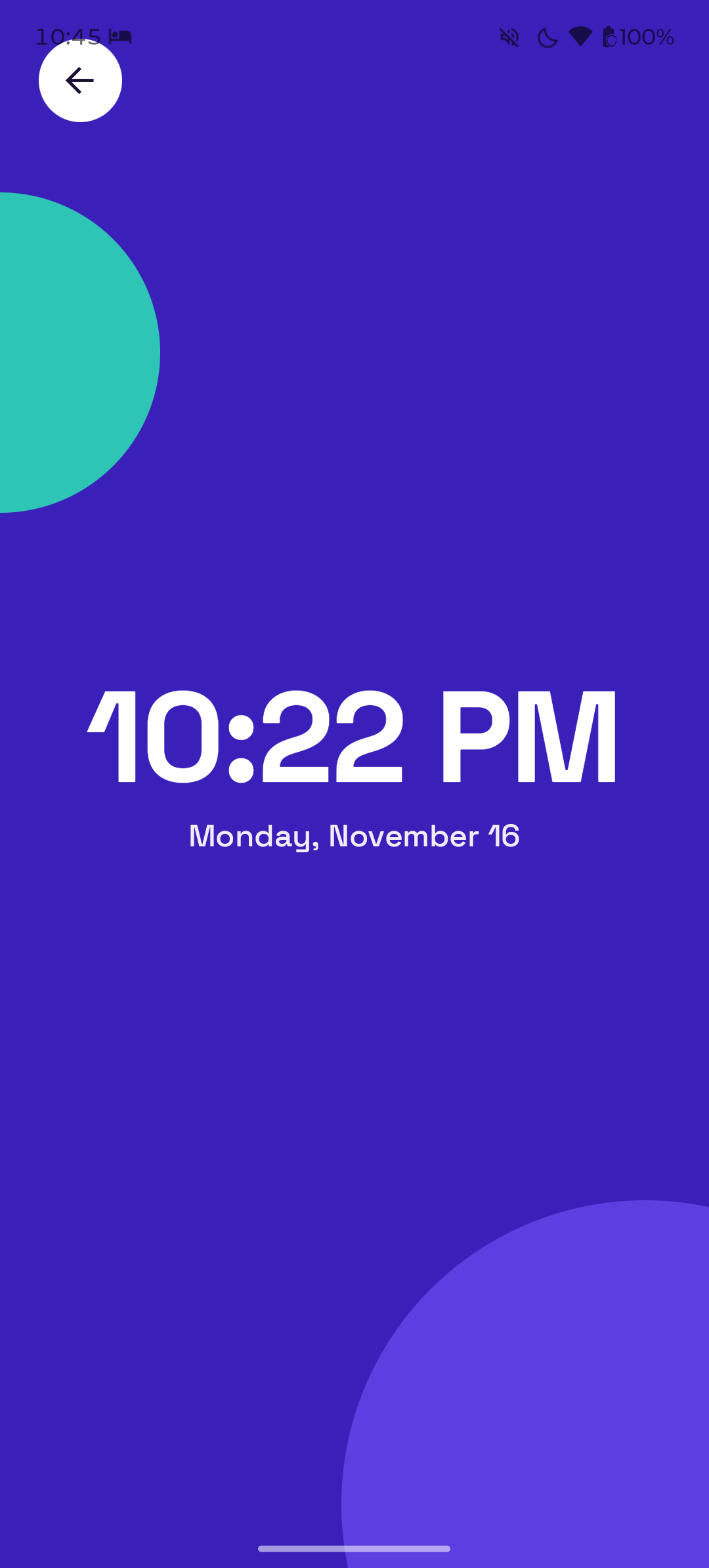
“Click the button. Verify it says 10:22 PM.”THAT'S THE TEST.
240Runs recorded
417Device executions
2Platforms, one run
0Selectors written
02 / The test
Write it like you'd say it.
A real test from the demo app's repo, with most comments dropped and long lines trimmed (…). The model finds the button. The model reads the clock. You write sentences.
time-check / 01_base_case.txt● PASS
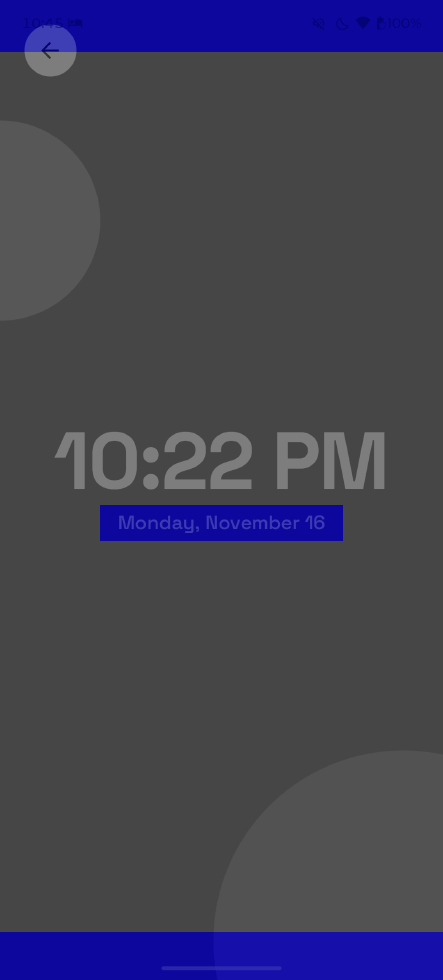
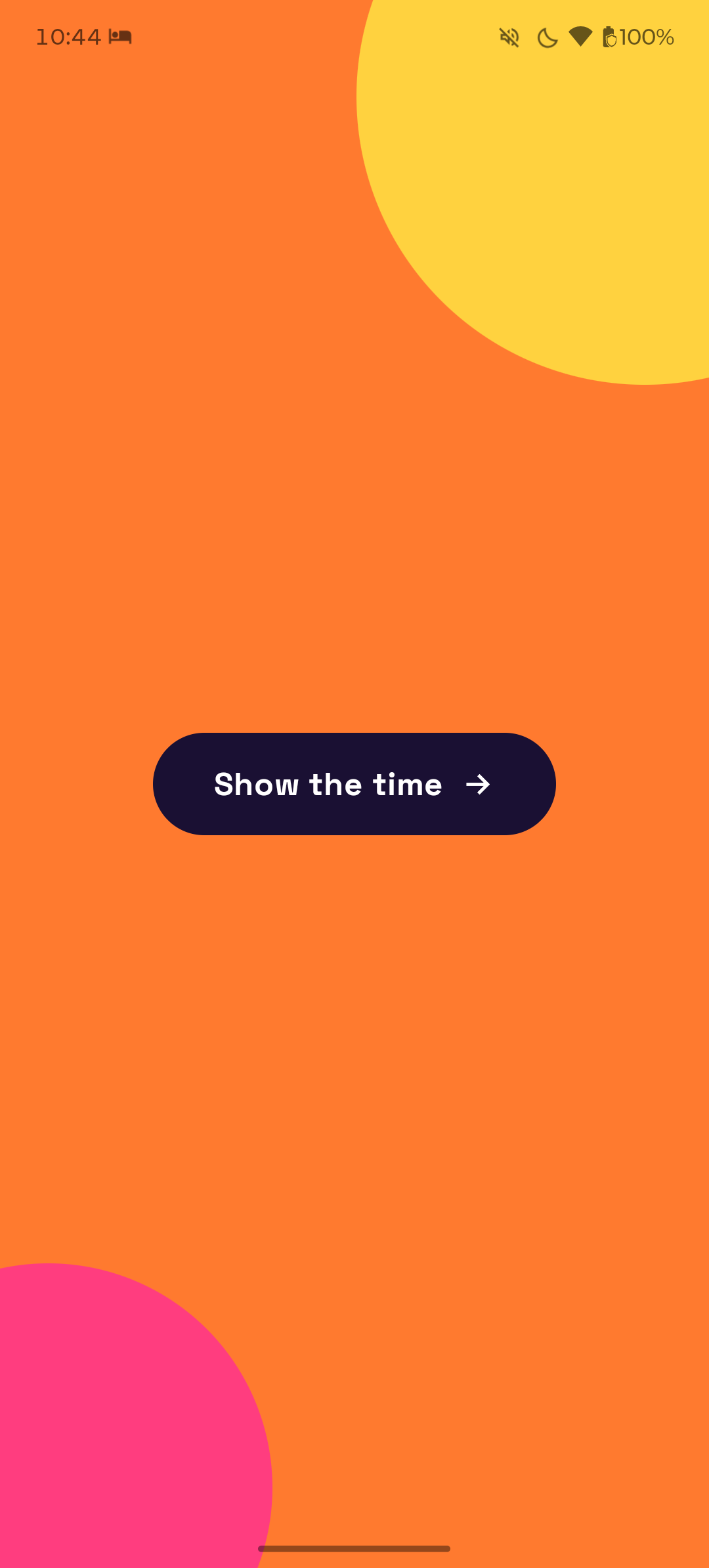
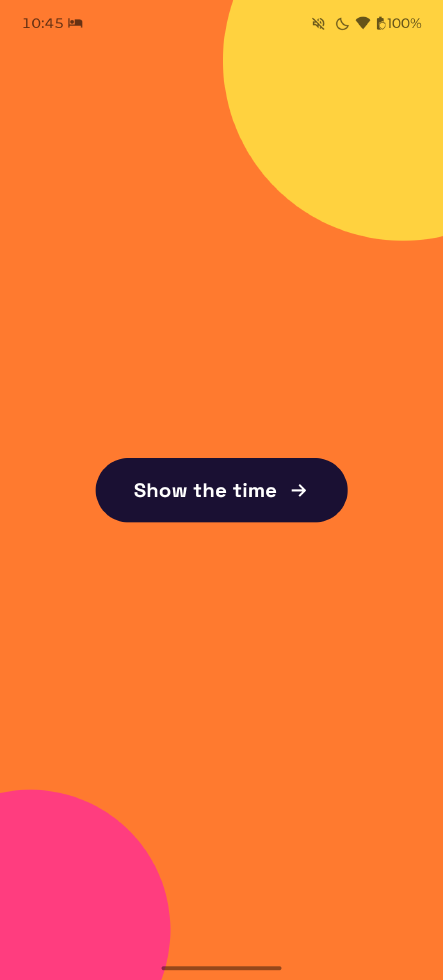
DIFF:SNAPSHOT initial_screen mask=status_bar,nav_bar# Load the hub's answer before the tapESP32-SERVER:expect GET ${HUB_PATH}/time -> 200 10:22 PMENDAI:CLICKButtonWAIT:2IF IOS:AI:VERIFYThere is a permission dialog asking to find devices…AI:CLICKthe Allow button (OK on iPhone)WAIT:2END IF IOSIF ANDROID:DIFF:SNAPSHOT time_screen mask=…IF IOS:DIFF:SNAPSHOT time_screen mask=…AI:VERIFYThere is a time visible of 10:22 PMAI:CLICKBack buttonWAIT:2DIFF:SNAPSHOT back_to_start mask=status_bar,nav_barAI:VERIFYA dark button is on screen
AI: CLICK finds it
No coordinates, no IDs. The vision model locates “Button” on the live frame and taps it.
AI: VERIFY reads it
Assertions are sentences. The model checks them against what's actually on the glass.
DIFF: SNAPSHOT pins it
Pixel-compare against baselines, with the clock and status bar masked so they never cause false failures.
Plugins drive hardware
Call a device plugin by its name, like ESP32-SERVER:, and script the device the app talks to from inside the same test.
IF IOS / IF ANDROID
One file, both platforms. The other side's steps are marked SKIPPED, never failed.
03 / The arsenal
Everything on screen. Nothing hidden.
/01
Press overlay
Every tap and swipe is drawn on the live frame at the exact pixel it hit. You see where the test pressed.
/02
Live stream
A running test streams the device into its own row. When it finishes, the stream becomes the recording.
/03
Pushed, not polled
Steps, badges and videos update the moment they change, over server-sent events. No refresh button.
/04
Every device, one run
iPhone and Android in the same run. Switch devices per test and see that device's video and result.
/05
Suite dashboard
Big runs collapse into one row per suite, each with its own pass ratio. Open one, the rest keep updating.
/06
Failures with a reason
App didn't build? Phone locked? Every test says UNAVAILABLE, gives the reason, and links the log. No mystery reds.
/07
Wired to your repo
Start a build from the viewer: the build plugin fetches your branch from Gitea or GitHub and builds it on its own machine. Each run records the branch it tested.
/08
History that talks
Every run kept with its pass/fail bar, its branch and the exact test file that produced it. Trend charts by day, month or year.
04 / Receipts
Real run. Real phone. No mockups.
● REC
01 · Snapshot match02 · Verified 10:22 PM03 · Pixel diff04 · Back to start
RUN run_266 · APP TimeAppDemo · BRANCH master
DEVICE moto g power (2025) · RESULT PASS
05 / Targets
If it has a screen, it's a target.
XCUITest
iPhone
Real devices, recorded per test. A locked phone is reported as UNAVAILABLE, not counted as a failure.
ADB
Android
Direct input, on-phone recording, and the real model name in every result.
Coming soon
Desktop
macOS and Windows apps are on the way.
06 / Extending
Plug in hardware. Bring your model.
Plugins
Hardware
Hardware plugins give your app a real device to talk to, and they pass or fail inside the test.
Bring your own
Any model
Local Ollama or GitHub Copilot. Switch providers in Settings.
Build plugins
Gitea & GitHub
The same plugin system wires your forge: Gitea Actions or GitHub start runs from CI, and each job passes or fails on the test result.
 vision: on